Quick Answer
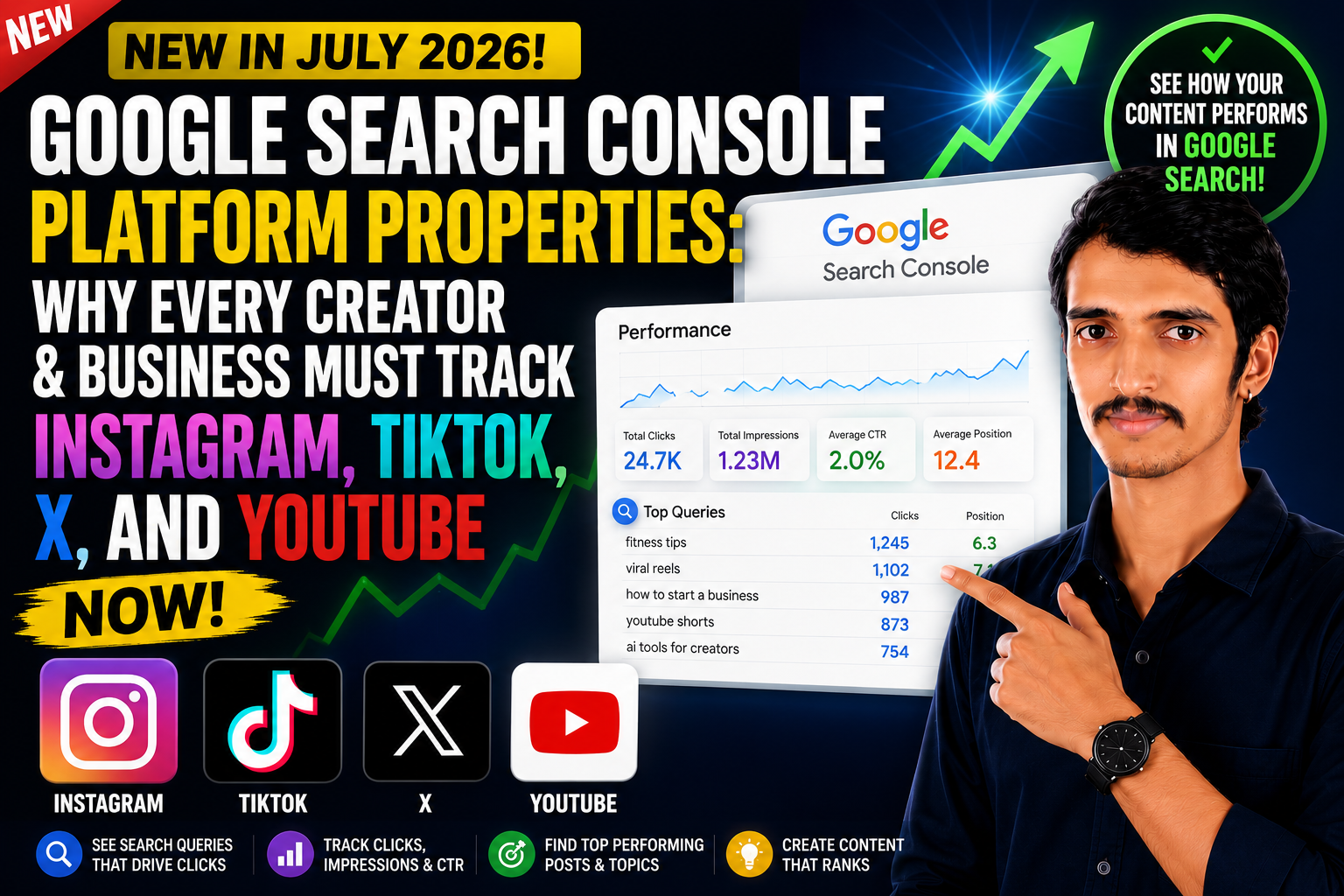
Google Search Console now lets you add Instagram, TikTok, X, and YouTube as a new property type called platform properties. This means you can finally see how your social and video content performs directly in Google Search and Discover — the exact queries driving clicks, impressions, click-through rate, and average position — without needing a website at all. If you publish content on any of these four platforms, adding this property takes two minutes and gives you data you’ve never had access to before.
What Are Platform Properties in Google Search Console?
For years, Google Search Console only worked with two property types: Domain properties and URL-prefix properties. Both required you to own a website.
That changed in July 2026. Google introduced platform properties, a new property type built specifically for creators and publishers whose main presence lives on social and video platforms rather than a traditional website. At launch, four platforms are supported:
- TikTok
- X (formerly Twitter)
- YouTube
Once verified, a platform property unlocks three familiar Search Console reports, now built for social content:
- Performance report — total clicks, impressions, CTR, and average position, filterable by post and by search query.
- Insights report — a higher-level view of recent traffic trends, your top-performing posts, and how people are finding your account through Google.
- Achievements — milestones that track growth, such as crossing a new click threshold from Google Search in the last 28 days.
This is a meaningful structural shift. An earlier December 2025 experiment folded some social data into Search Console Insights, but only for websites that were already verified and where Google had automatically detected a linked social channel. Platform properties remove that dependency entirely — a creator with only an Instagram or TikTok account and no website can now get dedicated Search reporting.
How to Add a Platform Property (Step by Step)
Setting one up is as simple as adding a regular website property:
- Go to the Search Console property selector (top-left dropdown) and click Add property — or use the “Select a property type” screen shown when you first sign in.
- Under the New section, choose one of the four available platforms: Instagram, TikTok, X, or YouTube.
- Click Add, then complete the on-screen verification steps to confirm you own the account.
- Wait for data collection. It can take anywhere from 48 hours to a few days for your first Performance and Insights data to appear.
A few practical notes worth knowing before you start:
- Rollout is gradual. The feature is expanding over several weeks, so a platform option may not appear in every account immediately.
- Verification isn’t permanent. Google periodically re-checks account ownership. If your access changes (for example, you revoke a connected app), Search Console will ask you to re-verify, and reporting pauses until you do.
- This is Search-side data only. Platform properties show how content is discovered through Google Search, Discover, and News — not native platform analytics. You won’t see total Instagram reach, TikTok watch time, or full YouTube engagement here; you’ll see the slice of that activity that came specifically from Google.
Why This Feature Matters
1. It closes a long-standing measurement gap
Marketers have always suspected that strong social content contributes to search visibility and brand discovery, but there was no direct way to prove it. Platform properties answer the question creators have asked for years: is my social content actually showing up in Google Search, and what is it showing up for? Now you can see the exact queries sending people to your Reels, TikToks, YouTube Shorts, or X posts.
2. It levels the playing field for creators without websites
Not every business or creator runs a website. A fitness coach who only posts on Instagram, a musician who only uploads to YouTube, or a commentator who only posts on X previously had zero visibility into Google’s role in their growth. Platform properties give them the same category of reporting that website owners have relied on for over a decade.
3. It turns social content into a real SEO input
Once you can see which posts and which queries drive clicks from Google, you can act on that data:
- Double down on formats and topics that already rank well in Search and Discover.
- Turn recurring high-performing queries into dedicated videos, threads, or posts.
- Compare platform-property performance against your website’s Performance report to find content gaps and cross-promotion opportunities.
- Feed a stronger topic into a full campaign or a supporting website page if it’s resonating across multiple channels.
4. It reflects how search itself has changed
Google Search and Discover increasingly surface video, image carousels, and social posts alongside traditional web pages, especially for younger audiences who search differently. As AI-driven answer engines and generative search experiences pull from a wider mix of content formats, understanding how your social and video content is indexed and surfaced by Google is no longer optional — it’s becoming as fundamental as tracking your website’s rankings.
Who Should Set This Up
Practically anyone who publishes content should connect an eligible account, including:
- Content creators and influencers who want to know which posts Google is surfacing.
- Small businesses and solo entrepreneurs without a dedicated website.
- YouTube channel owners who want query-level insight into Search and Discover traffic.
- Brands and marketing teams managing multiple social channels who want a unified, Google-verified view of discovery performance.
- SEO professionals and agencies who now have a new, credible data source for reporting social contribution to organic visibility.
Common Questions
Does adding a platform property improve my ranking? No. It’s a reporting tool, not a ranking factor. It shows you how your content already performs on Google Search, Discover, and News — it doesn’t change how that content is ranked or surfaced.
Do I need a website to use this? No. That’s the core change. Platform properties work independently of any website property.
Can I add more than one platform? Yes. Each platform is added and verified separately, and data is reported individually per property rather than blended together.
Will more platforms be added later? Google has not ruled out expanding beyond the initial four, but as of the July 2026 rollout, Instagram, TikTok, X, and YouTube are the only supported platforms.
The Bottom Line
Platform properties mark one of the biggest expansions of Google Search Console since it began. For the first time, creators and businesses can see, in concrete numbers, how their social and video content performs in Google Search — without needing a website, and without guessing. If you publish on Instagram, TikTok, X, or YouTube, adding a platform property costs almost nothing to set up and gives you data that directly informs what content to make next. In a search landscape that increasingly blends web pages, videos, and social posts into the same results, this is quickly becoming table stakes rather than a nice-to-have.